Download the Rump & Friends slot for Android and iOS
A standalone mobile app for the Rump & Friends slot does not exist, and it never will — for one technical reason. InOut Games builds all of its games on HTML5, which means the same build launches in any modern browser on any platform, and producing a native app for it simply isn't necessary. This is the industry standard — Pragmatic Play, NetEnt, Play'n GO and every other major provider work the same way.
But downloading Rump & Friends has three real meanings: installing it as a PWA (a web app pinned to your home screen), downloading a partner casino app that carries the slot in its lobby, or using third-party wrappers. Each option is covered below — with pros, cons and warnings about the risks.
Play the mobile version of Rump & FriendsExclusive Rump & Friends bonus for new players

What Downloading a Slot Really Means in 2026
Back in the days of Flash casinos and downloadable clients, slots really did come as separate files. Since 2017–2018 the industry has moved to HTML5, and since then no certified provider — including InOut Games — has released its slots as standalone mobile apps. This is both an economic call (one codebase instead of three — Web/iOS/Android) and a matter of App Store and Google Play policies, which don't allow real-money gambling apps into their catalogues without special licences.
So if you come across a site with a "Download Rump & Friends APK" button offering the game as a separate file, it's either a scam or an aggregator of pirated builds with tampered math. With that kind of app you risk three things at once: getting malware on your device, playing a fake with rigged RNG, or losing your winnings because no legitimate casino will honour them.
Installing Rump & Friends as a PWA (Progressive Web App)
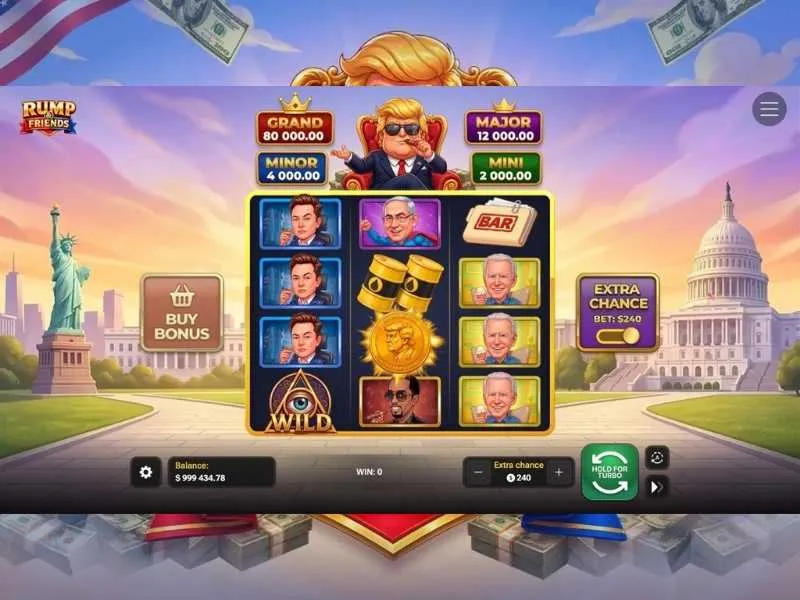
A PWA is the closest thing to an "app". You add the casino site with Rump & Friends to your smartphone's home screen and get an icon, full-screen launch without the address bar and almost no perceptible difference from a native app. Works on everything.
On Android (Chrome, Samsung Internet, Edge):
- Open the partner casino site with Rump & Friends in your browser.
- Find "Install app" or "Add to Home screen" in the menu (three dots in the top right corner).
- Confirm the install — the icon will appear on your home screen like any other app.
- When launched, the site opens without the address bar, in its own window.
On iOS (Safari):
- Open the casino site in Safari (not Chrome — on iOS, full PWA support only works in Safari).
- Tap the Share button (square with an upward arrow) at the bottom of the screen.
- Scroll down and pick "Add to Home Screen".
- Set the name and confirm — the icon appears.
From then on, launching Rump & Friends takes a single tap, game assets are cached locally, and subsequent entries are faster. This is the only method that works equally well on all devices and needs nothing extra.
A Partner Casino App With Rump & Friends in the Lobby
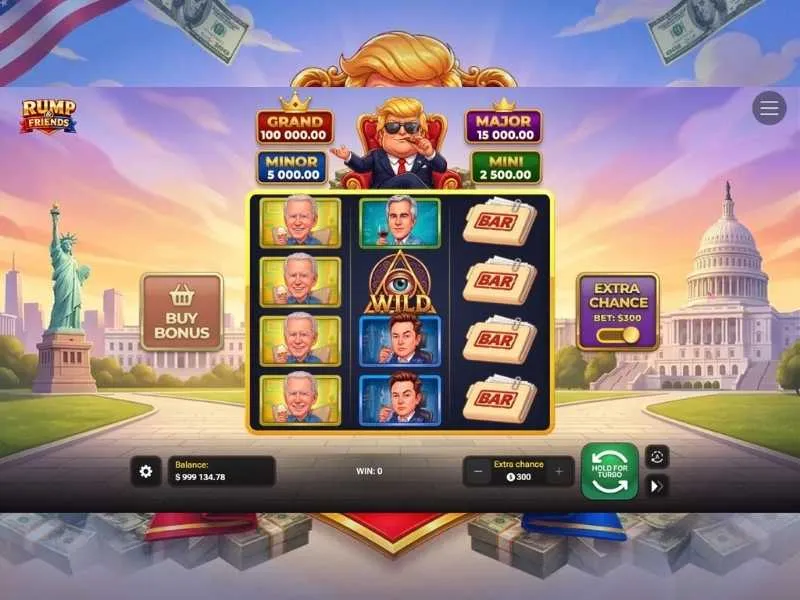
Most major casinos working with InOut Games ship their own mobile apps. Rump & Friends sits inside them as part of the game lobby alongside the operator's other slots. Here the picture differs between Android and iOS.
Android (APK). Gambling apps are typically unavailable on Google Play due to store policy, so casinos distribute APK files directly from their official sites. You download the file (usually 30–80 MB), allow installation from unknown sources in security settings, and install. Inside — the operator's full game lineup, Rump & Friends included.
iOS. Trickier. Some casinos publish stripped-down apps on the App Store — but usually only for jurisdictions where gambling is regulated (UK, several US states, a handful of European countries). Elsewhere, iOS users are left with the PWA option through Safari.
What to check when picking a casino app for Rump & Friends:
- Whether the operator holds a licence (MGA, UKGC, Curaçao, Kahnawake or a local one).
- Whether the APK downloads from the operator's official domain, not from mirrors.
- Whether Rump & Friends is actually present in the mobile lobby (not every casino keeps InOut Games new releases in sync with desktop).
- How Bonus Buy is implemented on mobile — the interface must be touch-friendly.
As of the Rump & Friends release, mobile apps carrying this slot are available at Surebet247, Rocketplay and across the BC.Game partner network — mostly Android versions, iOS is rarer.
Third-Party Wrappers and Mobile Simulators
Reviews often suggest "downloading through a third-party launcher" or "installing an Android emulator on your iPhone". These are poor suggestions for real-money play.
Any wrapper around a casino is, effectively, a middleman between you and the operator. It sees your logins, payment data, and sometimes modifies the session. Even if the simulator itself is harmless, a licensed casino can ban your account for playing through a non-standard client — this is spelled out plainly in the terms of most operators. Rump & Friends runs perfectly fine through PWA or an official casino app — wrappers simply aren't needed.
Rump & Friends Device Requirements
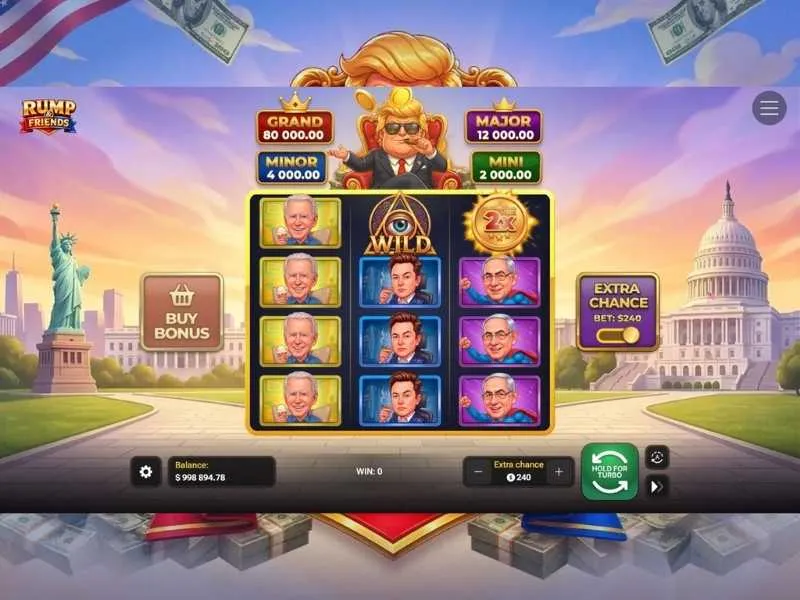
The slot barely asks for anything — InOut Games deliberately keeps builds light for broad reach.
Android:
- OS version: 8.0 and above (it actually works on 7.0 too, but with no guarantees).
- RAM: 2 GB minimum, 3+ GB is comfortable.
- Processor: any chipset in the Snapdragon 660 / Helio P60 tier or newer.
- Free space: 50–150 MB if you install the casino app; around 25 MB of cache for PWA.
iOS:
- iOS 13 and above.
- Every iPhone from the iPhone 7 / iPhone SE (2016) onwards handles it without issues.
Internet:
- 3G/4G is enough for stable play.
- Wi-Fi is preferable for the initial asset load and for long Bonus Buy sessions.
- 5G gives a noticeable advantage only when you frequently switch between games — it doesn't speed up the Rump & Friends session itself, because the game runs with almost no network traffic once loaded.
What the Mobile Version of Rump & Friends Adds Beyond Desktop
The mobile build isn't "cut down" — it's the full thing. In fact, it has a few advantages.
Portrait mode. Rump & Friends is adapted for vertical orientation, which is easier for one-handed play on the go. Bet controls and Bonus Buy sit at the bottom, close to your thumb.
Haptic feedback. On iPhone and on some Android devices, coin landings and bonus triggers are backed by tactile vibration. A small detail, but it adds engagement.
Fast session restart. From a PWA or a casino app, Rump & Friends launches in 2–3 seconds after the initial caching, whereas a desktop browser takes 5–8 seconds.
Offline animation mode. If your internet drops mid-session, a locally launched game will finish the current spin on cached assets — the outcome data syncs from the server once the connection is back.
Rump & Friends Mobile Play Terms — What Matters Before You Deposit
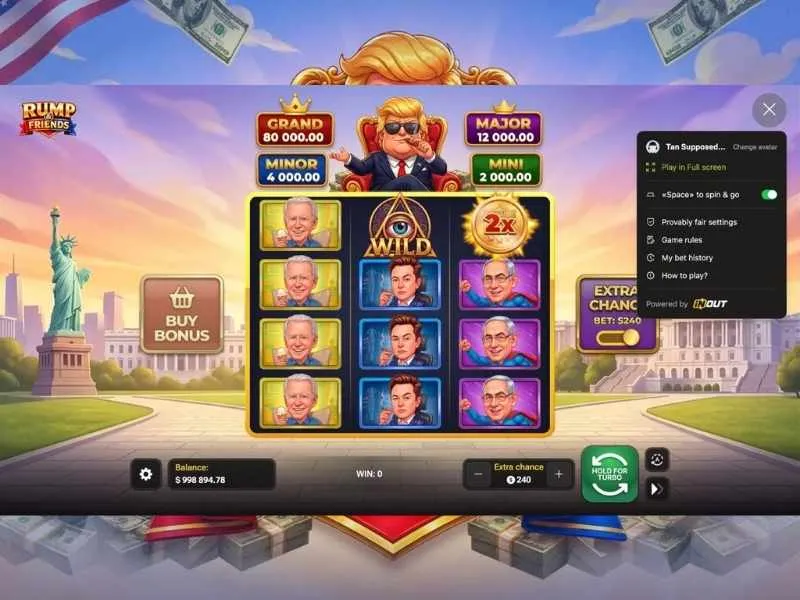
When moving from desktop to a casino's mobile app, there are a few conditions people often overlook.
Mobile-only bonuses. Some operators run separate welcome packages for mobile app users — often with extra free spins. This can be relevant for Rump & Friends, because InOut Games new releases sometimes get included in those pools.
Wagering and max bet. During bonus wagering, the maximum-bet cap (usually $5–$10 per spin) applies to both mobile and desktop — that's the casino's rule, not the platform's. Rump & Friends is a slot where it's easy to accidentally exceed the limit at higher Bonus Buy tiers — keep an eye on the purchase price.
Verification from your phone. Most licensed casinos let you upload verification documents through the phone's camera right inside the app. This is faster than on desktop, and to withdraw Rump & Friends winnings you'll need to complete this verification.
Geo restrictions. A casino's mobile app checks geolocation as strictly as the web version does. Rump & Friends is blocked in certain jurisdictions (the full list is on the "Restricted Countries" page on the InOut Games site), and a VPN is not your friend here: bypassing geo blocks is a direct violation of every licensed operator's terms and grounds for account closure with forfeiture of winnings.
Updates and Support for the Rump & Friends Mobile Version
InOut Games rolls out patches to the game centrally — on the server side. This means you don't need to "update" Rump & Friends manually: at your next launch through PWA or a casino app the current build loads automatically.
What updates separately is the shell — the partner casino app itself. This usually happens through built-in update mechanisms (APK updates are downloaded by the app on launch, iOS apps update through the App Store). If the app notifies you about an available version — install it: updates often improve compatibility specifically with new slots like Rump & Friends.
Mobile-version tech support is casino support, not InOut Games. For any questions related to the game itself (bugs, incorrect payouts, bonus issues), contact the operator's live chat; they'll escalate the case to InOut Games themselves if needed.
Frequently Asked Questions About Installing Rump & Friends
Is there an official Rump & Friends app on the App Store or Google Play?
No. InOut Games does not release standalone mobile apps for its slots — all games run through HTML5 in the browser. Apps carrying Rump & Friends only exist at partner casinos, and mostly on Android as APKs.
Is it safe to install a casino APK from the operator's site?
Yes, under two conditions: the download comes from the official domain of a licensed casino, and the operator holds a valid licence (MGA, UKGC, Curaçao, etc.). APKs from mirrors, torrents, forums and review sites are a direct malware risk.
What should I do if Rump & Friends won't launch on my phone?
Check three things: OS version (Android 8+ or iOS 13+), free space (you need at least 50 MB), and browser cache. Most often the issue is fixed by clearing the cache and re-entering the casino site. If it doesn't help — try a different browser or contact the operator's support.
Can I play Rump & Friends on a tablet?
Yes, the slot is adapted for larger screens — on a tablet it actually looks more comfortable than on a phone, thanks to bigger controls and better coin visibility on the reels. Works on both iPad and Android tablets.
Will my account carry over when switching from browser to a casino app?
Yes. The account is tied to the casino, not the platform — the same login, balance, game history and bonuses are available in both browser and mobile app. Rump & Friends will show the same session across every point of entry.
How much data does Rump & Friends use in a mobile session?
Initial load is 15–25 MB (cached permanently). Further play uses very little — a few kilobytes per spin to transmit the result. An hour-long session runs about 3–5 MB, which is negligible even on capped mobile plans.